Home ZYRA Upcoming Legal & FAQ
🔥 Launch Sale — Save ₹19 on the ZYRA Bundle · Ends in --:--:--
SAC Products

Everything we've built

Built as real desktop software — not a chatbot wrapper. Choose what you need, pay once, keep the version you buy for life, with updates currently included at no extra charge and no subscription.

ZYRA — Windows Upcoming releases
● LIVE WINDOWS 10 / 11 v1.1.0
AI Voice Assistant · Desktop

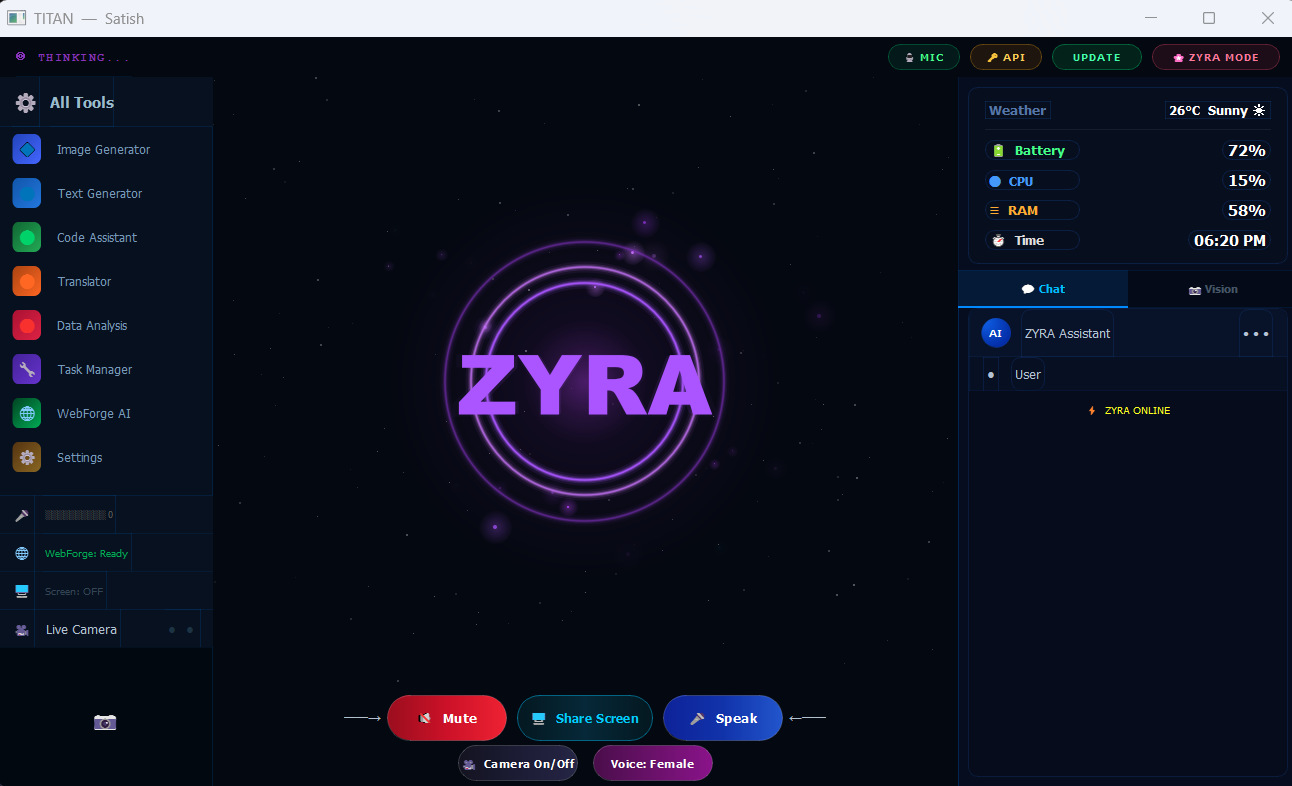
Talk to your computer the way you'd talk to a person. ZYRA listens, watches your screen when you allow it, and takes action — opening apps, finding files, running tasks — while holding a natural, interruptible conversation.

Setup guide
ZYRA
Capabilities

What ZYRA can do

◐

Live voice chat

Natural back-and-forth conversation, interruptible, low latency.

▣

Screen & camera vision

Share your screen or camera — ZYRA sees exactly what you see.

⌘

App & file control

Opens apps, finds files, manages your desktop by voice command.

◈

WebForge builder

Describe a website out loud — ZYRA scaffolds and deploys it.

Requirements

Before you buy

Platform
Windows 10 / 11
Needs
Microphone
Connection
Internet required
API key
Your own Gemini key
Pricing

One-time, lifetime licence

App only
ZYRA.exe
₹49
  • Full ZYRA desktop app
  • All voice & vision features
  • Secure Telegram delivery within 48 hours of payment verification
  • Use your own Gemini API key
App + Key
Full Bundle
₹248
₹229
  • ZYRA.exe + activation key
  • Ready to run out of the box
  • Priority delivery
  • Best value — save ₹19
Key only
Activation key
₹199
  • For existing ZYRA installs
  • Unlocks full features
  • One key, one device
  • Lifetime — no renewal
ZYRA community ratings

Rate ZYRA

—
★★★★★
Loading ratings…

Used ZYRA?

Sign in with Google to give ZYRA a rating and public comment.

Loading ratings…

Process

From payment to first hello

01

Choose a plan

Pick the app, the key, or the bundle.

02

Sign in & pay

Sign in securely with Google, then pay by UPI, card or QR through Razorpay. We never see or store your payment details.

03

Send your order ID

One tap opens Telegram with your order pre-filled — just hit send.

04

Get delivered

We manually verify payment to protect buyers and prevent fraud, then send your file or key on Telegram within 48 hours.

Setup

Getting started

1. Install & run +
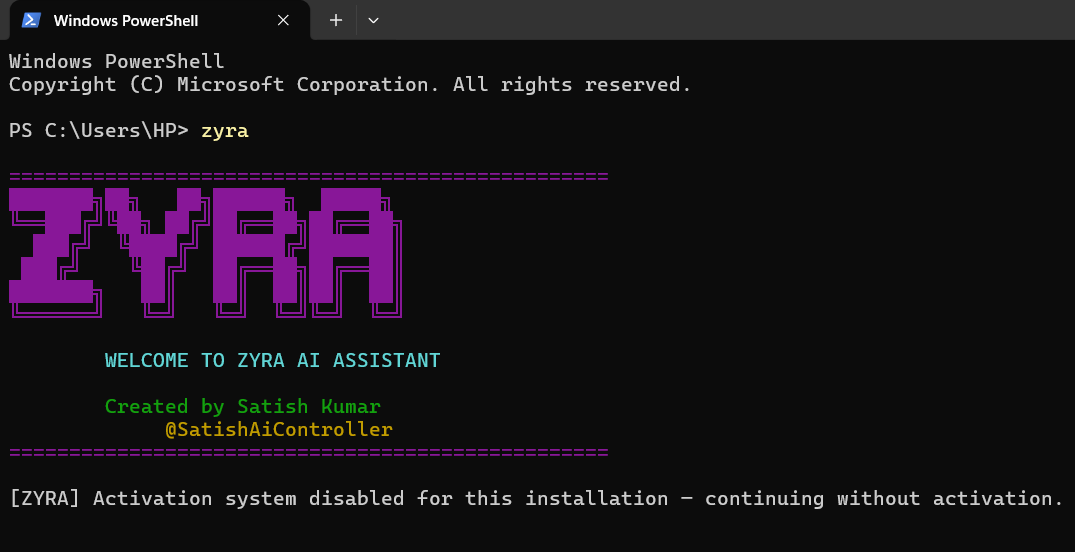
Extract the ZIP you receive on Telegram and double-click ZYRA.exe. First launch can take a few seconds — that's normal.
2. Add your Gemini API key +
Create your own key at aistudio.google.com/app/apikey and paste it into ZYRA's API setup screen on first run. Google decides any free tier, usage limits and pricing. This key is yours — we never see it.
3. Enter your activation key +
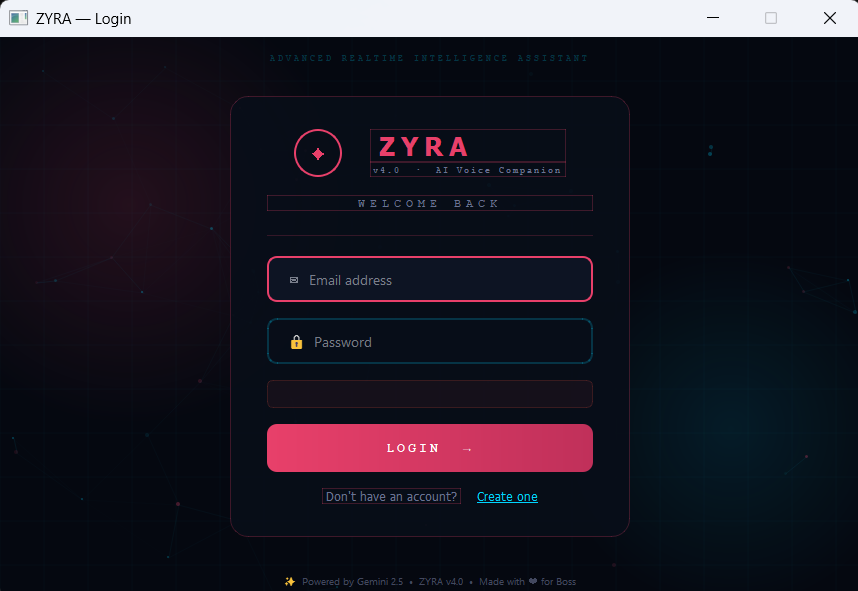
If you bought the key or bundle, paste your activation key when prompted. It unlocks on this device only.
4. Use headphones +
For the smoothest conversations, use headphones instead of speakers — it stops ZYRA from hearing her own voice through the mic.
5. Allow mic & camera access +
Windows will ask for microphone (and camera, if used) permission the first time — allow it so ZYRA can hear and see you.
Licence & refund terms for ZYRA +
One key activates one device, for life. Sharing or reselling a key breaches the licence. Refunds apply before delivery, or if we fail to deliver within 48 hours of a verified payment. Full details in our Legal Centre.
◈

More SAC products are on the way

New tools are in development — including mobile apps. Each one will land here with its own full section: features, pricing, requirements and setup, exactly like ZYRA. Nothing gets buried under another product.

Get notified on Telegram